# Interactive blocks
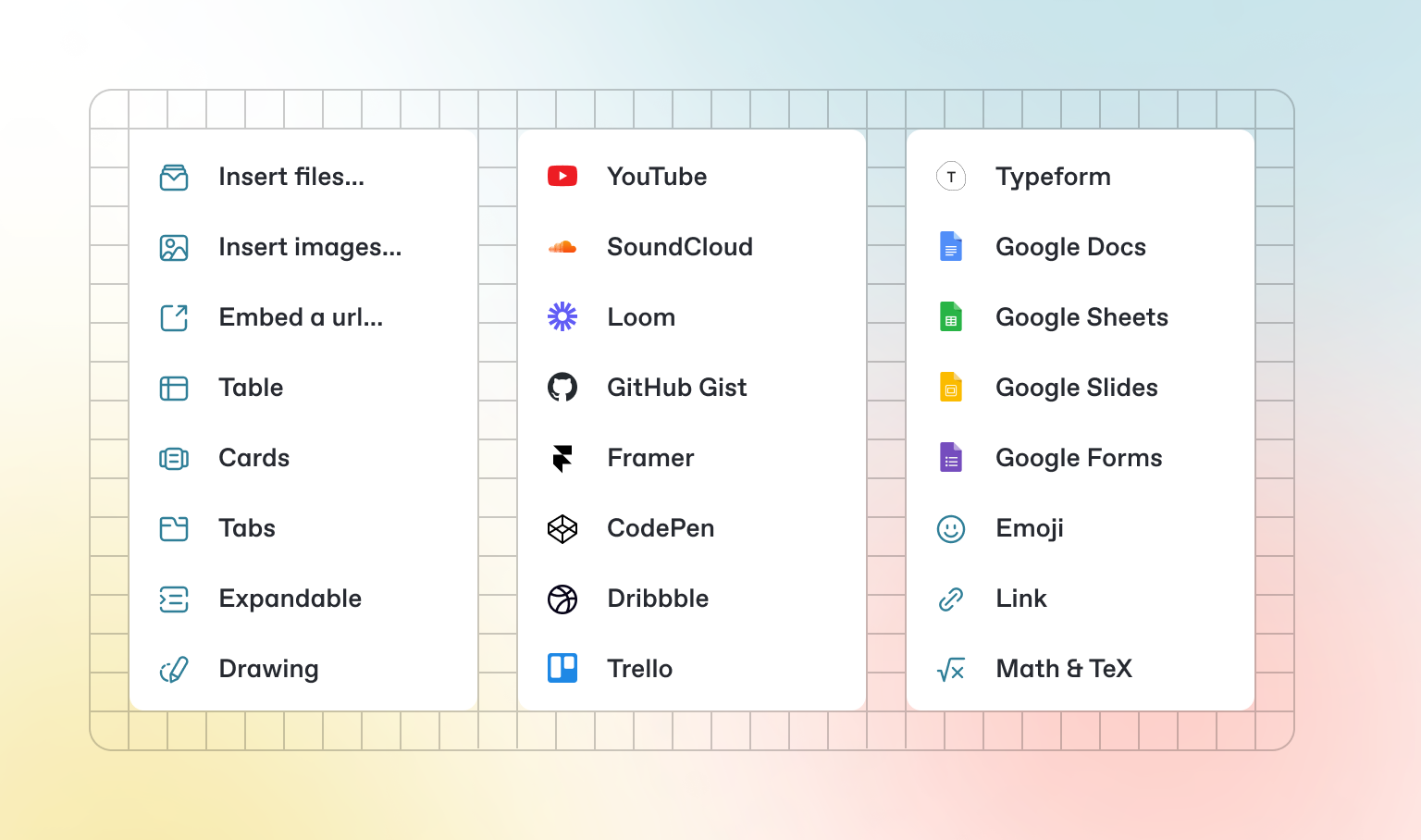
In addition to the default Markdown you can write, GitBook has a number of out-of-the-box interactive blocks you can use. You can find interactive blocks by pressing `/` from within the editor.
### Tabs
{% tabs %}
{% tab title="First tab" %}
Each tab is like a mini page — it can contain multiple other blocks, of any type. So you can add code blocks, images, integration blocks and more to individual tabs in the same tab block.
{% endtab %}
{% tab title="Second tab" %}
Add images, embedded content, code blocks, and more.
```javascript
const handleFetchEvent = async (request, context) => {
return new Response({message: "Hello World"});
};
```
{% endtab %}
{% endtabs %}
### Expandable sections
Click me to expand
Expandable blocks are helpful in condensing what could otherwise be a lengthy paragraph. They are also great in step-by-step guides and FAQs.
### Drawings
### Embedded content
{% embed url="" %}
{% hint style="info" %}
GitBook supports thousands of embedded websites out-of-the-box, simply by pasting their links. Feel free to check out which ones[ are supported natively](https://iframely.com).
{% endhint %}
---
# Agent Instructions: Querying This Documentation
If you need additional information that is not directly available in this page, you can query the documentation dynamically by asking a question.
Perform an HTTP GET request on the current page URL with the `ask` query parameter:
```
GET https://kv999ch.gitbook.io/kv999ch/basics/interactive-blocks.md?ask=
```
The question should be specific, self-contained, and written in natural language.
The response will contain a direct answer to the question and relevant excerpts and sources from the documentation.
Use this mechanism when the answer is not explicitly present in the current page, you need clarification or additional context, or you want to retrieve related documentation sections.